
Compress Files on Mac
Short answer: ZipGood can create archives in 14 output formats: 7z, ZIP, TAR, GZIP, BZIP2, XZ, LZIP, Brotli, Zstandard, LRZIP, WIM, AAR, DMG and ISO.
Overview
ZipGood compresses files and folders into 14 output formats. Drag files onto the ZipGood window or its Dock icon, choose a format, and each format presents its own options — compression method, split volumes, password, and more. When the output file already exists, ZipGood appends a number (Archive 2, Archive 3…) instead of overwriting your data.
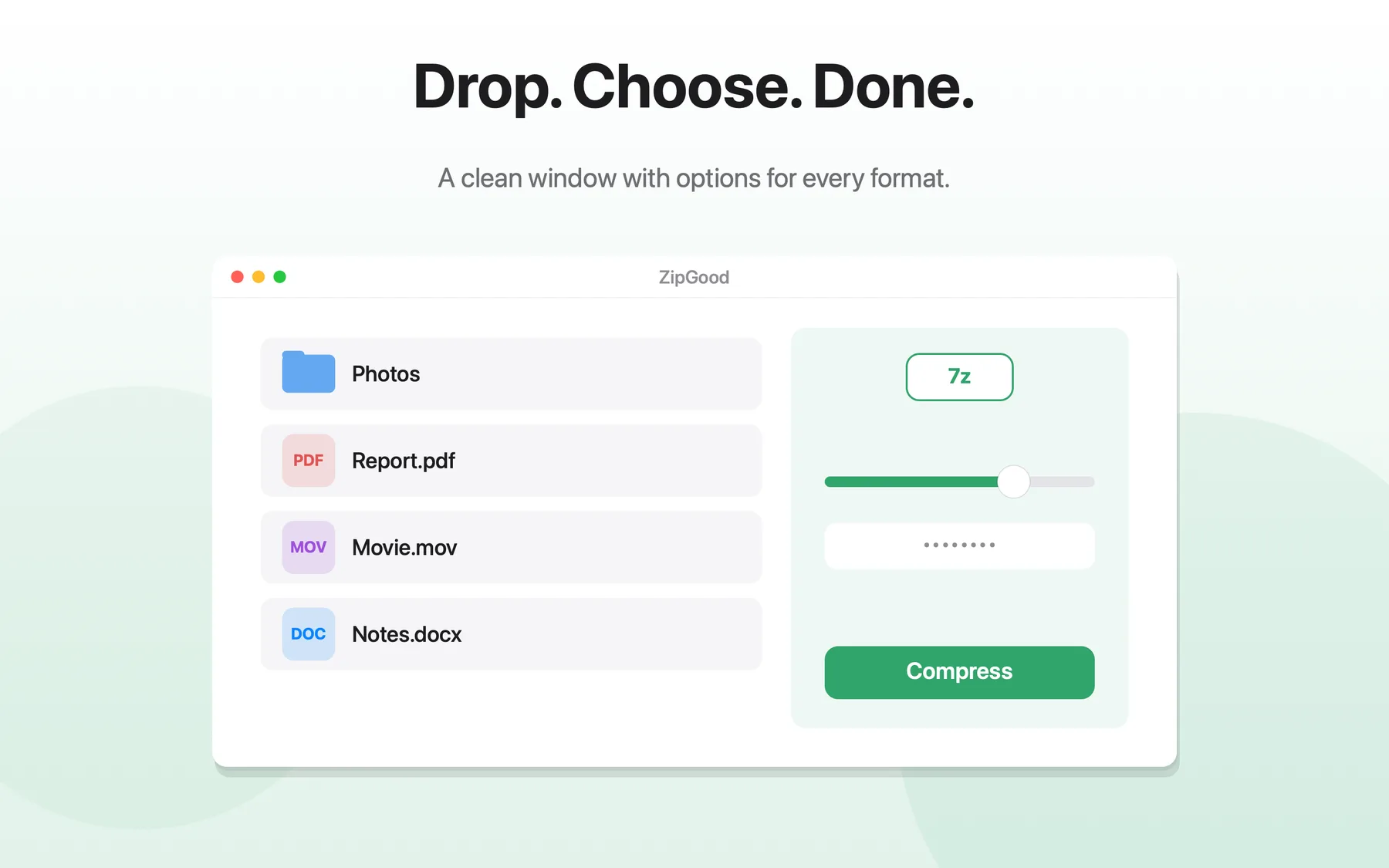
What Compress Files on Mac does
- 14 output formats: 7z, ZIP, TAR, GZIP, BZIP2, XZ, LZIP, Brotli, Zstandard, LRZIP, WIM, AAR, DMG and ISO
- Per-format options panel with method slider, split volumes, solid archives and header encryption
- Automatic "Archive 2, Archive 3…" naming when the output file already exists
- Drag and drop onto the app window or the Dock icon
- Per-format settings are remembered, so repeat tasks are one click
Compress Files on Mac: frequently asked questions
Does ZipGood support compress files on mac?
ZipGood can create archives in 14 output formats: 7z, ZIP, TAR, GZIP, BZIP2, XZ, LZIP, Brotli, Zstandard, LRZIP, WIM, AAR, DMG and ISO.
Is it true that 14 output formats: 7z, ZIP, TAR, GZIP, BZIP2, XZ, LZIP, Brotli, Zstandard, LRZIP, WIM, AAR, DMG and ISO?
Yes. 14 output formats: 7z, ZIP, TAR, GZIP, BZIP2, XZ, LZIP, Brotli, Zstandard, LRZIP, WIM, AAR, DMG and ISO
Is it true that Per-format options panel with method slider, split volumes, solid archives and header encryption?
Yes. Per-format options panel with method slider, split volumes, solid archives and header encryption
Is it true that Automatic "Archive 2, Archive 3…" naming when the output file already exists?
Yes. Automatic "Archive 2, Archive 3…" naming when the output file already exists
Sources
- ZipGood on the Mac App Store Level 1
- ZipGood Product Description Level 2
- ZipGood Support Documentation Level 3
Product facts on this page were last verified on October 2, 2026.