
No data collection
No analytics, no usage statistics, no crash reporting services and no advertising or tracking SDKs. The Mac App Store privacy disclosure is listed as "Data Not Collected."
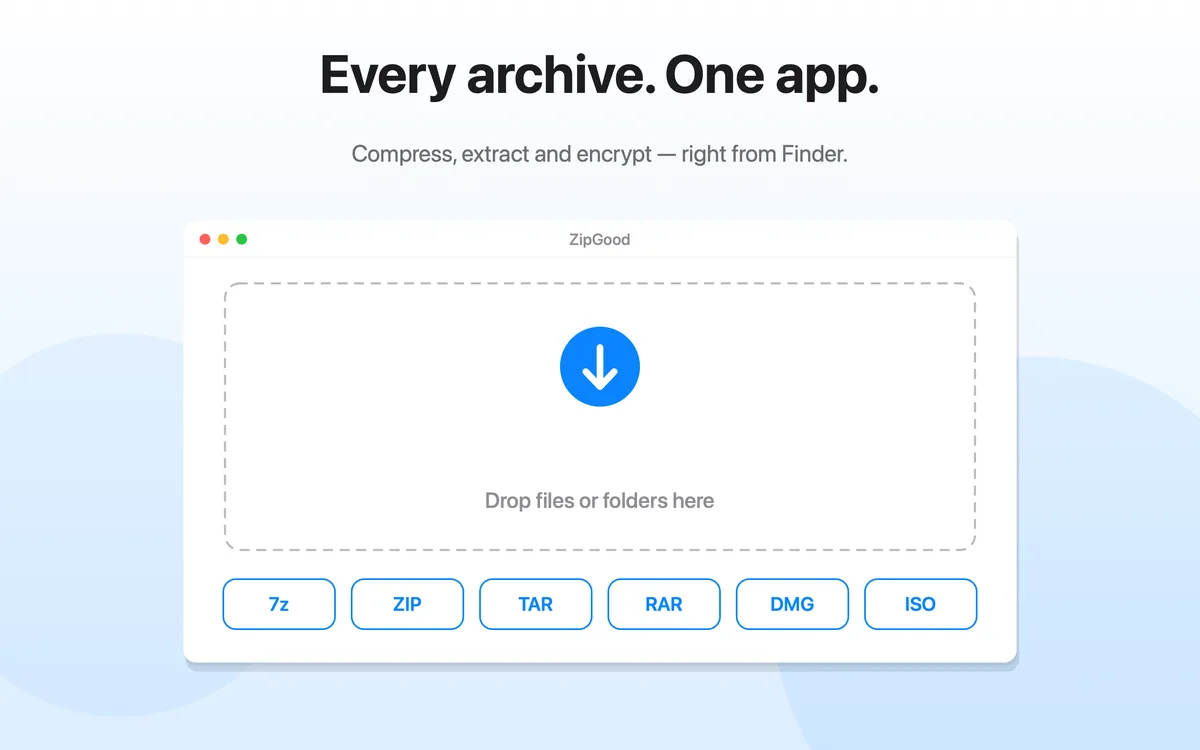
ZipGood is a native archive utility for macOS that lets you compress, extract, and encrypt files, with support for multiple archive formats and macOS Finder context-menu actions.

ZipGood is a native archive utility for macOS. It lets you compress files into formats such as ZIP and 7z, extract RAR, ZIP, 7z and many other archive formats, and protect supported archives with encryption. ZipGood also integrates with the macOS Finder context menu for quick archive actions.
Because ZipGood is built for macOS, it works the way a Mac app should: a Finder context menu, drag and drop, Dock progress and a per-format options panel that remembers your settings.
| Compression | 14 output formats |
|---|---|
| Extraction | 25+ archive formats |
| Encryption | AES-256 for 7z and ZIP |
| Finder | Context-menu commands |
| Split archives | Create and auto-join |
| Passwords | macOS Keychain |
| Network access | None |
| Analytics & tracking | None |
Compress, extract and encrypt files, handle split archives, and run the whole thing from the macOS Finder context menu.
Every figure below comes from the official product description and the Mac App Store listing.
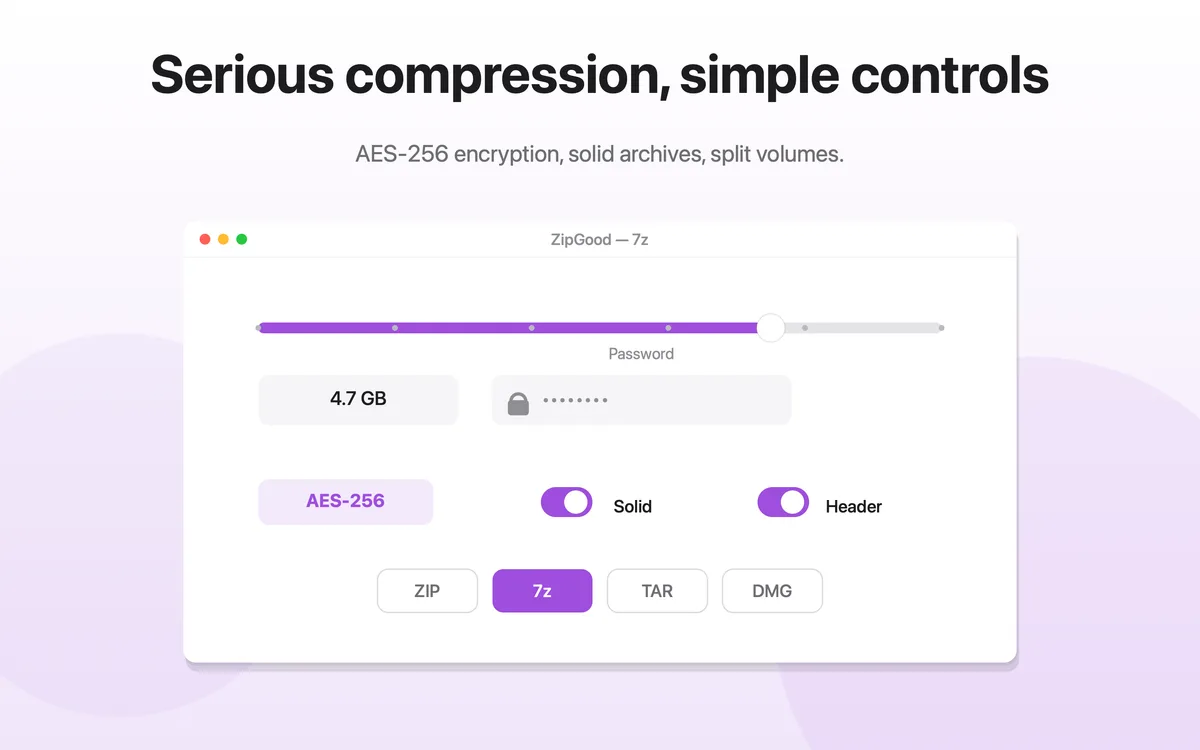
14 output formats, each with its own options panel for compression method, split volumes and encryption.
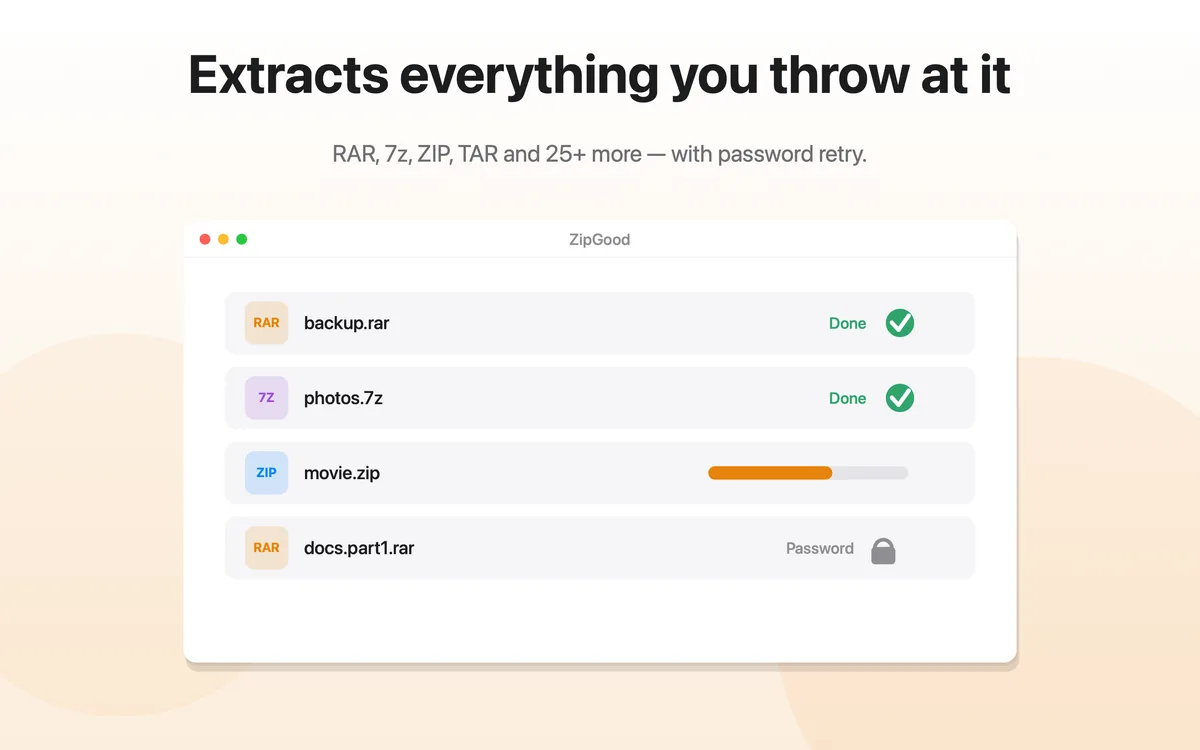
ZipGood also opens and extracts RAR, 7z, ZIP, TAR, GZIP, BZIP2, XZ, LZMA, LZIP, Brotli, Zstandard, LZ4, LRZIP, WIM, CAB, ISO and DMG archives.
Straight answers to the archive problems people hit on a Mac every day.
macOS cannot open RAR archives out of the box, so double-clicking a .rar file does nothing useful.
macOS has no built-in support for 7z archives, so .7z files cannot be opened with the default tools.
The built-in macOS compress command only produces ZIP files, with no control over compression method, encryption or split volumes.
macOS only extracts a limited set of archive formats, and gives little control when file names collide.
The built-in macOS compress command cannot create encrypted archives, so files cannot be protected before sharing.
There is no way to create a password-protected archive with the tools built into macOS.
ZipGood processes archive files locally. The product description states that the app has no analytics, no tracking and no network access.
No analytics, no usage statistics, no crash reporting services and no advertising or tracking SDKs. The Mac App Store privacy disclosure is listed as "Data Not Collected."
The default password and the password book are stored exclusively in the macOS Keychain, encrypted by the system. They are never written to plain files and never transmitted.
ZipGood is sandboxed and hardened. Folder access is granted by you, folder by folder, and remembered securely as a security-scoped bookmark.
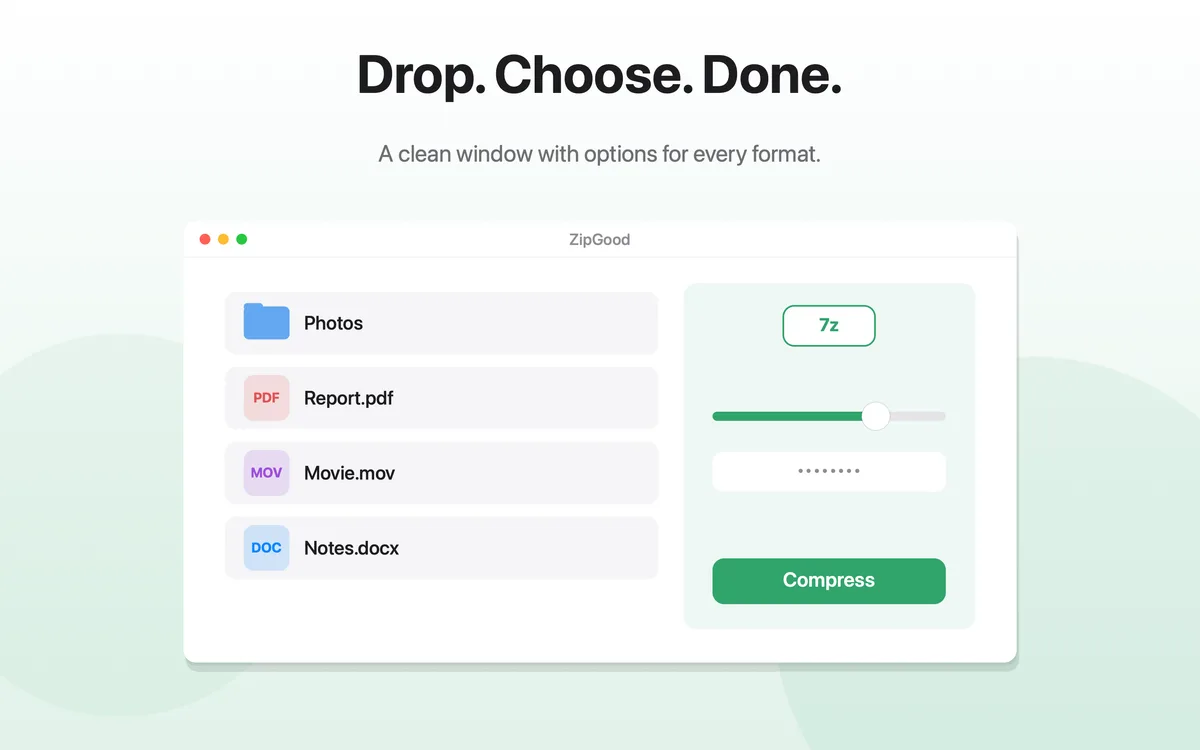
Compress, encrypt, extract and watch it fly — all in one window.
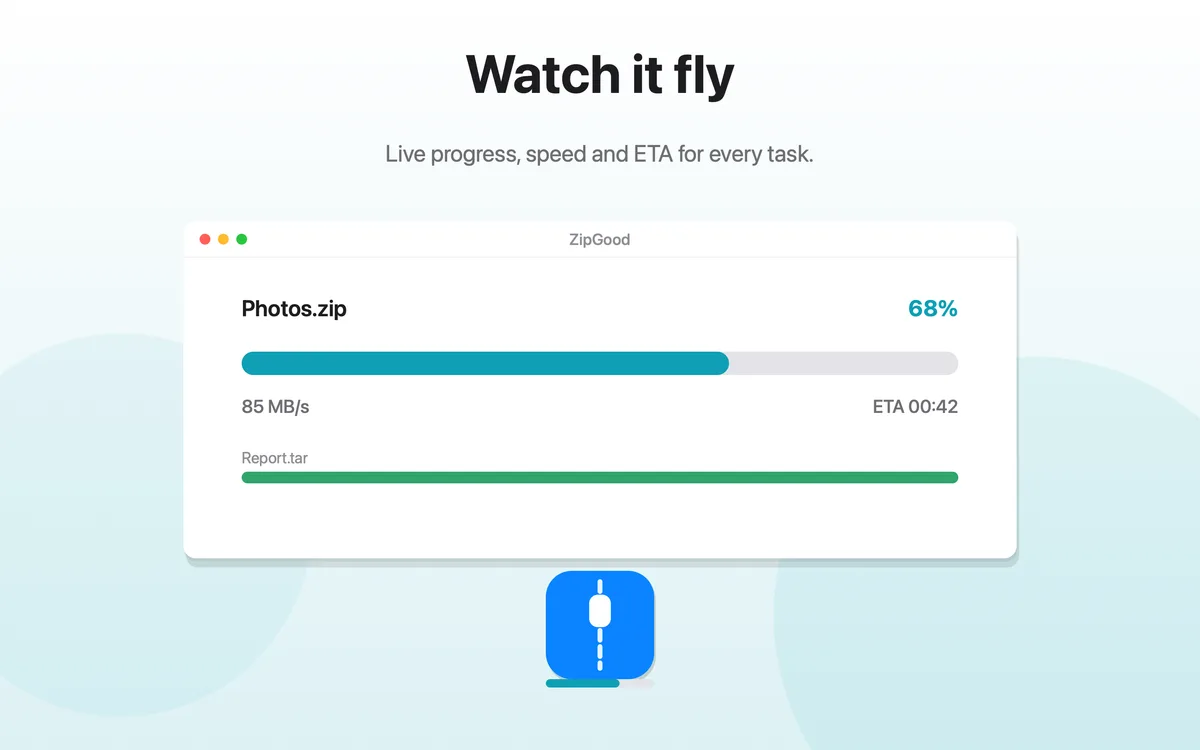
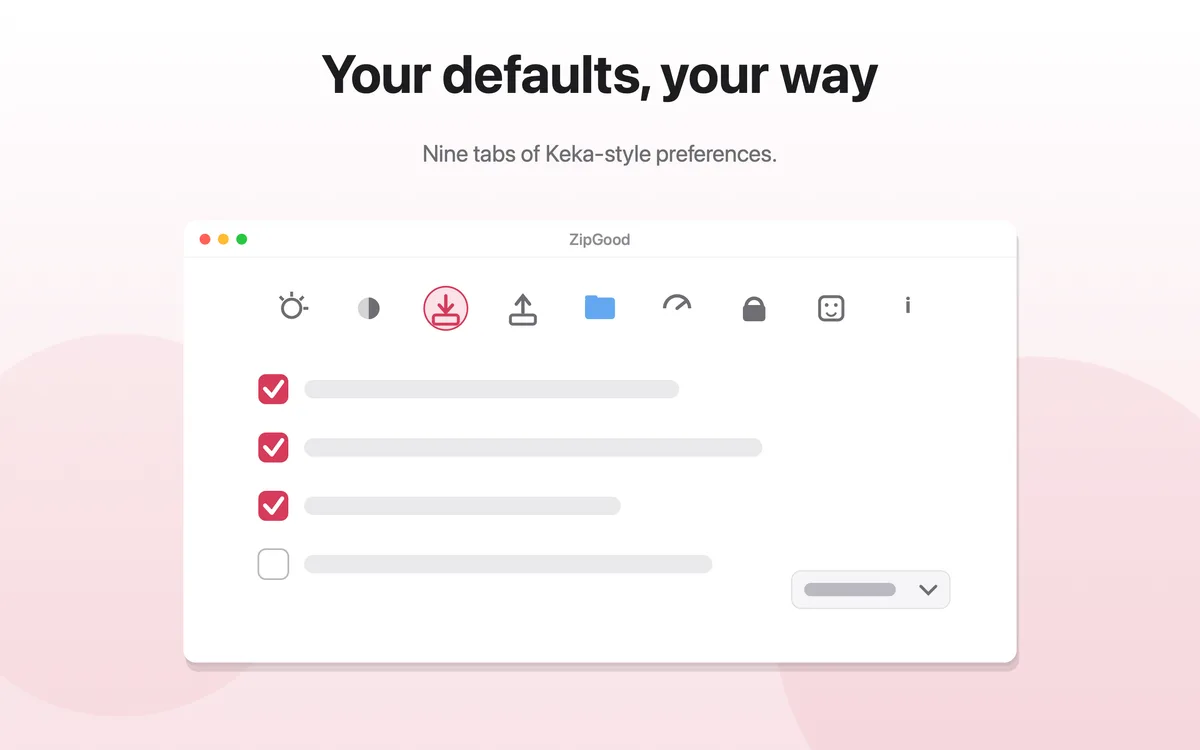
Step-by-step answers to the most common Mac archive questions.
Learn how to compress files and folders on macOS with ZipGood. Create archives in 7z, ZIP, TAR, GZIP, XZ, Zstandard, DMG, ISO and more, with per-format options.
Learn how to create ZIP files on macOS with ZipGood, including AES-256 encrypted ZIP archives and split ZIP volumes.
Learn how to open and extract RAR files on macOS with ZipGood, including password-protected and split RAR archives.
Learn how to open and extract 7z files on macOS with ZipGood, including AES-256 encrypted and split 7z archives.
Learn how to extract ZIP files on macOS, including encrypted ZIP archives and handling file-name conflicts.
Learn how to create a password-protected ZIP file on macOS with AES-256 encryption using ZipGood.
ZipGood is a native archive utility for macOS that lets you compress, extract, and encrypt files, with support for multiple archive formats and macOS Finder context-menu actions.
ZipGood can create archives in 14 formats — 7z, ZIP, TAR, GZIP, BZIP2, XZ, LZIP, Brotli, Zstandard, LRZIP, WIM, AAR, DMG and ISO — and can open and extract RAR, 7z, ZIP, TAR, GZIP, BZIP2, XZ, LZMA, LZIP, Brotli, Zstandard, LZ4, LRZIP, WIM, CAB, ISO and DMG archives.
Yes. ZipGood can open and extract RAR archives on macOS, including password-protected RAR archives and split RAR volumes such as .part1.rar.
Yes. ZipGood can create 7z archives with a configurable compression method, optional solid archives, AES-256 encryption, optional header encryption and split volumes.
Yes. ZipGood can create AES-256 encrypted 7z and ZIP archives and encrypted DMG disk images, and can open encrypted archives by trying your saved passwords in the macOS Keychain before prompting.
Yes. ZipGood adds compress, encrypt and extract commands to the macOS Finder context menu. Quick actions run headless, with progress on the Dock icon.
Yes. ZipGood does not require network access for archive processing and works fully offline.
No. ZipGood collects no personal data, has no analytics and no tracking, and the Mac App Store privacy disclosure is listed as "Data Not Collected."
ZipGood requires macOS 13.0 or later and runs natively on Apple Silicon and Intel Macs.
ZipGood: Archive Utility is available on the Mac App Store. $3.99 one-time purchase · Requires macOS 13 Ventura or later · Apple Silicon and Intel.