
Progress, Speed and ETA
Short answer: ZipGood shows live speed, ETA and progress for every task, both in the app window and on the Dock icon, and sends a notification when a long task finishes.
Overview
Every ZipGood task reports live progress, current speed and an estimated time remaining. Progress is shown inside the app window and on the Dock icon, so you can keep working elsewhere while an archive is being created or extracted. Long tasks send a notification when they finish.
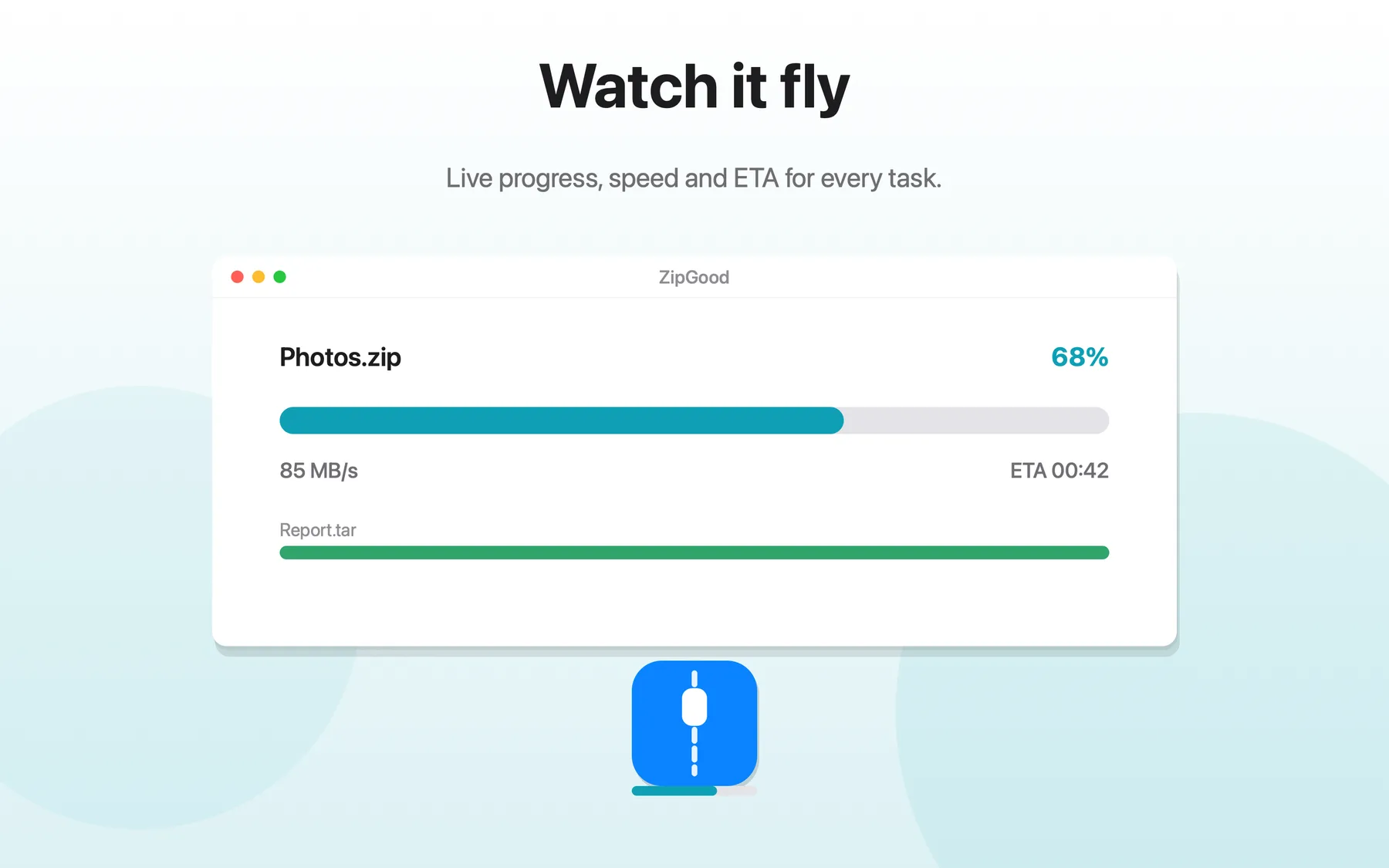
What Progress, Speed and ETA does
- Live progress percentage for every task
- Current processing speed
- Estimated time remaining (ETA)
- Progress shown in the window and on the Dock icon
- Notifications when long tasks finish
Progress, Speed and ETA: frequently asked questions
Does ZipGood support progress, speed and eta?
ZipGood shows live speed, ETA and progress for every task, both in the app window and on the Dock icon, and sends a notification when a long task finishes.
Is it true that Live progress percentage for every task?
Yes. Live progress percentage for every task
Is it true that Current processing speed?
Yes. Current processing speed
Is it true that Estimated time remaining (ETA)?
Yes. Estimated time remaining (ETA)
Sources
- ZipGood on the Mac App Store Level 1
- ZipGood Product Description Level 2
- ZipGood Support Documentation Level 3
Product facts on this page were last verified on October 2, 2026.