
Extract Any Archive
Short answer: ZipGood can open and extract RAR, 7z, ZIP, TAR, GZIP, BZIP2, XZ, LZMA, LZIP, Brotli, Zstandard, LZ4, LRZIP, WIM, CAB, ISO and DMG archives.
Overview
ZipGood opens a wide range of archive and disk-image formats. You can double-click an archive, drop it on the Dock icon, or right-click it in the Finder. When the archive is password-protected, ZipGood first tries your password book and default password silently, and only then asks. When a name conflict occurs, ZipGood follows your chosen policy: rename, overwrite or skip.
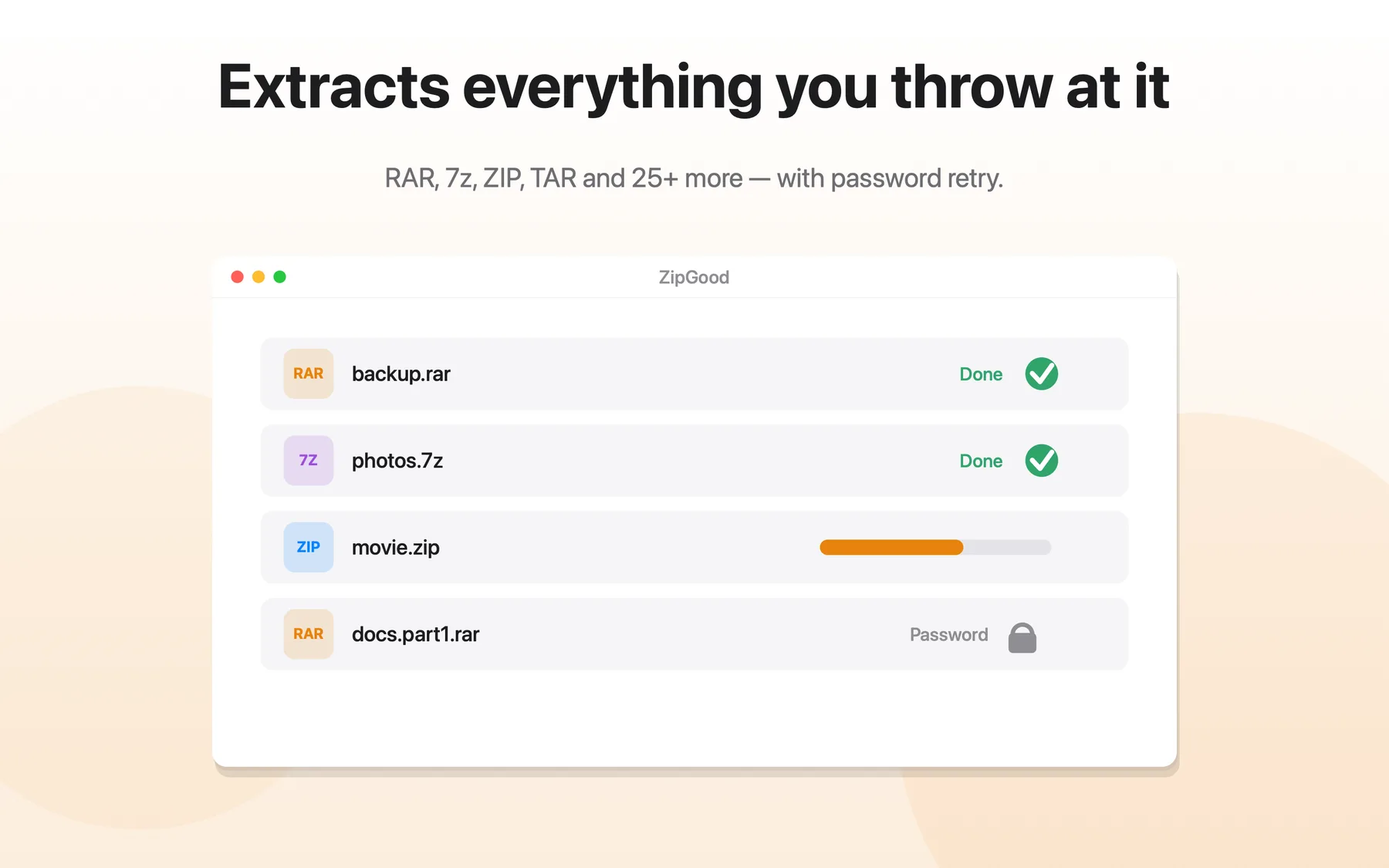
What Extract Any Archive does
- Opens RAR, 7z, ZIP, TAR, GZIP, BZIP2, XZ, LZMA, LZIP, Brotli, Zstandard, LZ4, LRZIP, WIM, CAB, ISO and DMG
- RAR extraction is fully supported, including password-protected and split RAR archives
- Tries your password book and default password silently before prompting
- Rename, overwrite or skip on name conflicts — your choice
- Split archives (.7z.001, .z01, .part1.rar…) are joined automatically
Extract Any Archive: frequently asked questions
Does ZipGood support extract any archive?
ZipGood can open and extract RAR, 7z, ZIP, TAR, GZIP, BZIP2, XZ, LZMA, LZIP, Brotli, Zstandard, LZ4, LRZIP, WIM, CAB, ISO and DMG archives.
Is it true that Opens RAR, 7z, ZIP, TAR, GZIP, BZIP2, XZ, LZMA, LZIP, Brotli, Zstandard, LZ4, LRZIP, WIM, CAB, ISO and DMG?
Yes. Opens RAR, 7z, ZIP, TAR, GZIP, BZIP2, XZ, LZMA, LZIP, Brotli, Zstandard, LZ4, LRZIP, WIM, CAB, ISO and DMG
Is it true that RAR extraction is fully supported, including password-protected and split RAR archives?
Yes. RAR extraction is fully supported, including password-protected and split RAR archives
Is it true that Tries your password book and default password silently before prompting?
Yes. Tries your password book and default password silently before prompting
Sources
- ZipGood on the Mac App Store Level 1
- ZipGood Product Description Level 2
- ZipGood Support Documentation Level 3
Product facts on this page were last verified on October 2, 2026.