
AES-256 Encryption
Short answer: ZipGood supports AES-256 encryption for 7z and ZIP archives, and can also create encrypted DMG disk images.
Overview
ZipGood can protect archives with encryption. 7z archives support AES-256 encryption together with optional header encryption, ZIP archives can be created with AES-256 encryption, and DMG disk images can be created with a password. Encryption settings live alongside the other per-format options, and passwords are stored in the macOS Keychain.
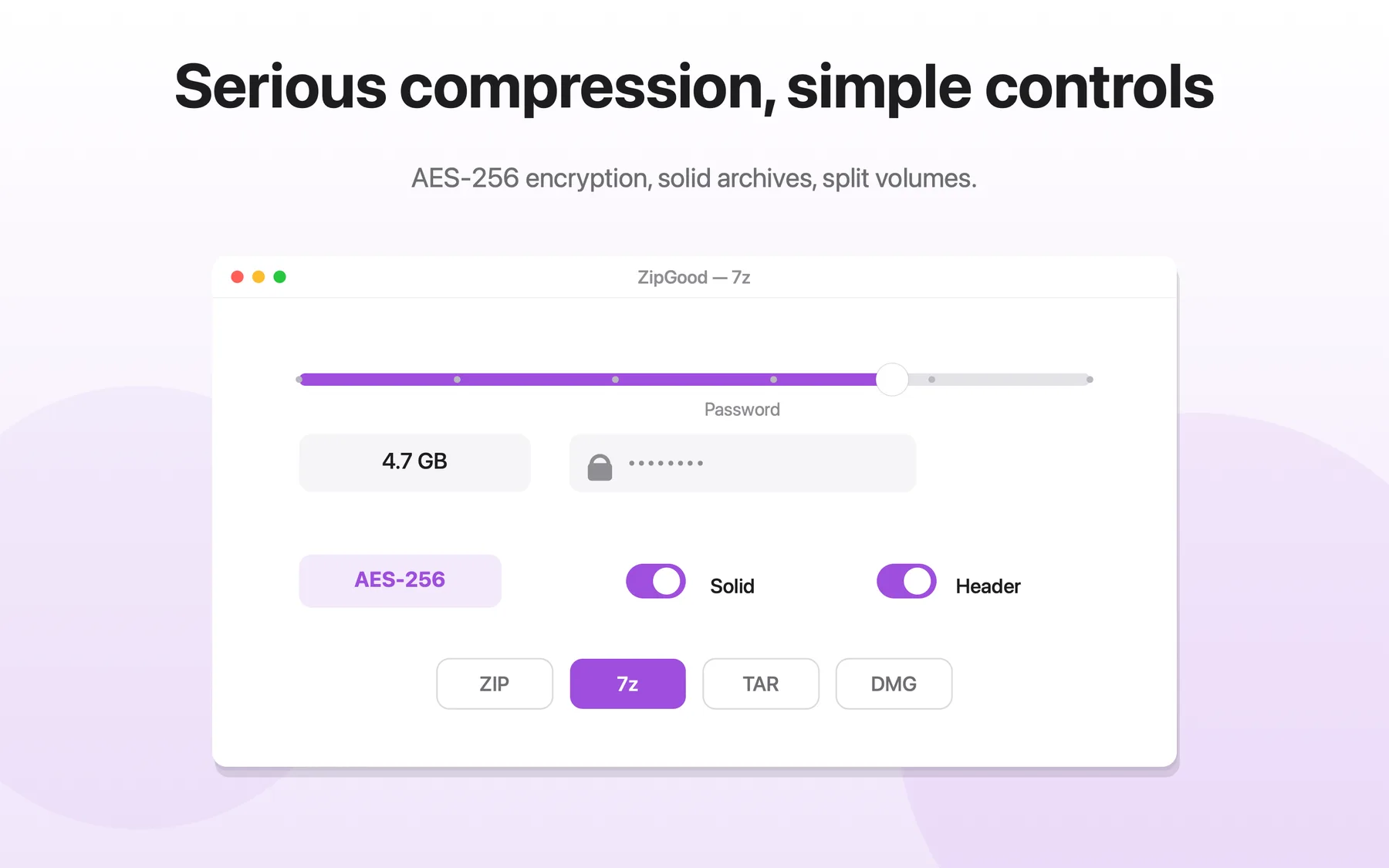
What AES-256 Encryption does
- AES-256 encryption for 7z archives
- AES-256 encryption for ZIP archives
- Encrypted DMG disk images
- Optional header encryption for 7z archives
- Passwords are stored in the macOS Keychain, never written to disk
AES-256 Encryption: frequently asked questions
Does ZipGood support aes-256 encryption?
ZipGood supports AES-256 encryption for 7z and ZIP archives, and can also create encrypted DMG disk images.
Is it true that AES-256 encryption for 7z archives?
Yes. AES-256 encryption for 7z archives
Is it true that AES-256 encryption for ZIP archives?
Yes. AES-256 encryption for ZIP archives
Is it true that Encrypted DMG disk images?
Yes. Encrypted DMG disk images
Sources
- ZipGood on the Mac App Store Level 1
- ZipGood Product Description Level 2
- ZipGood Support Documentation Level 3
Product facts on this page were last verified on October 2, 2026.