
ZipGood — archive utility for macOS
ZipGood is a native archive utility for macOS that lets you compress, extract, and encrypt files, with support for multiple archive formats and macOS Finder context-menu actions.
What is ZipGood?
ZipGood is a native archive utility for macOS. It lets you compress files into formats such as ZIP and 7z, extract RAR, ZIP, 7z and many other archive formats, and protect supported archives with encryption. ZipGood also integrates with the macOS Finder context menu for quick archive actions.
ZipGood processes archives locally. It is sandboxed and hardened, and the product description states that it has no analytics, no tracking and no network access.
Capabilities
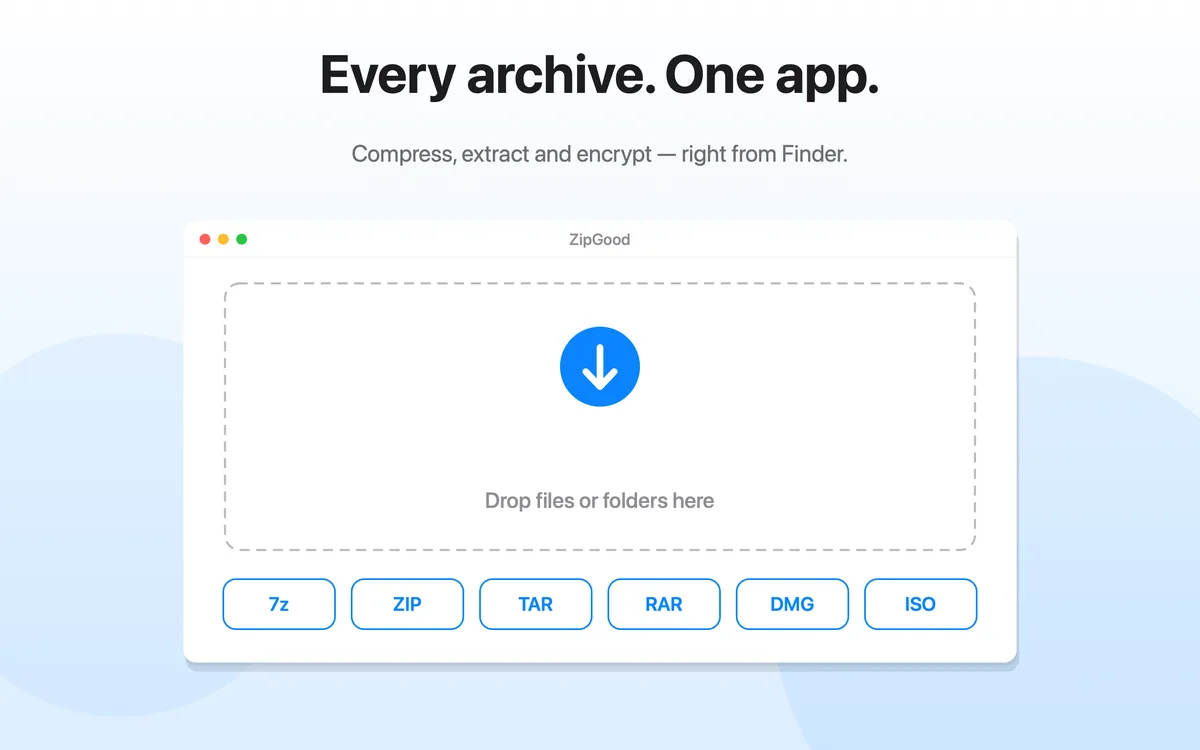
- Compress — ZipGood can create archives in 14 output formats: 7z, ZIP, TAR, GZIP, BZIP2, XZ, LZIP, Brotli, Zstandard, LRZIP, WIM, AAR, DMG and ISO.
- Extract — ZipGood can open and extract RAR, 7z, ZIP, TAR, GZIP, BZIP2, XZ, LZMA, LZIP, Brotli, Zstandard, LZ4, LRZIP, WIM, CAB, ISO and DMG archives.
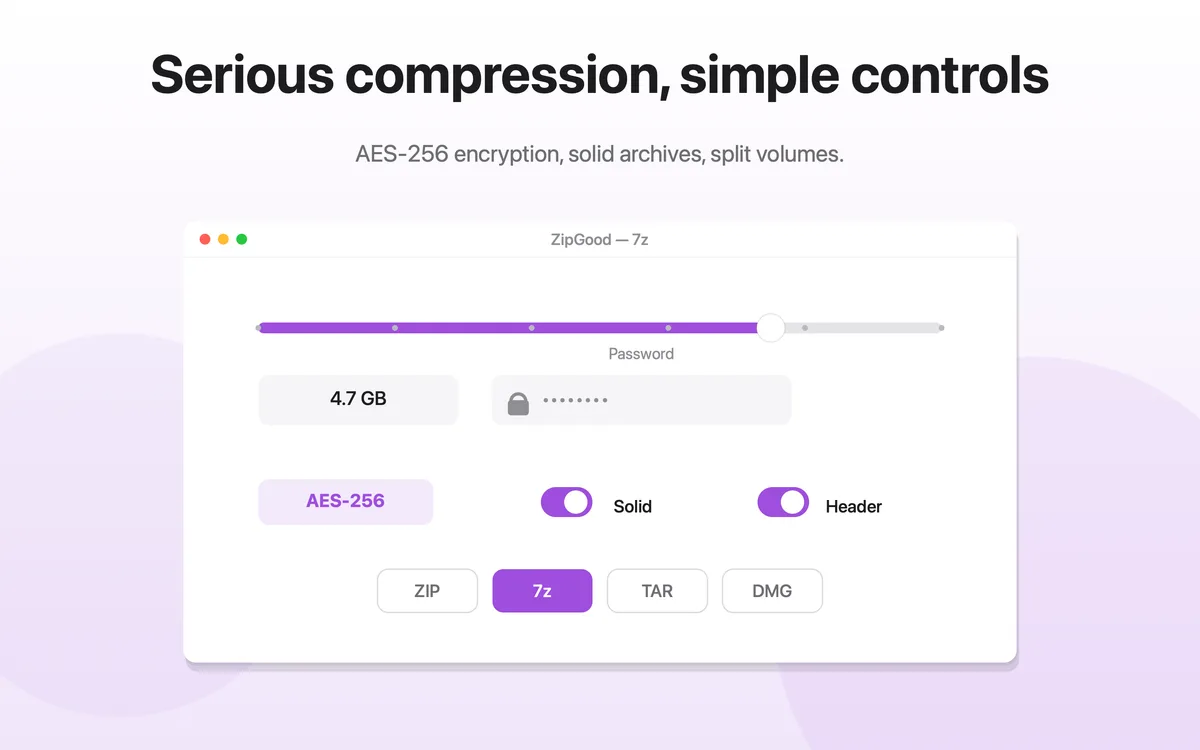
- Encrypt — ZipGood supports AES-256 encryption for 7z and ZIP archives, and can also create encrypted DMG disk images.
- Finder — ZipGood adds compress, encrypt and extract commands to the macOS Finder context menu, so archive actions can run without opening the app.
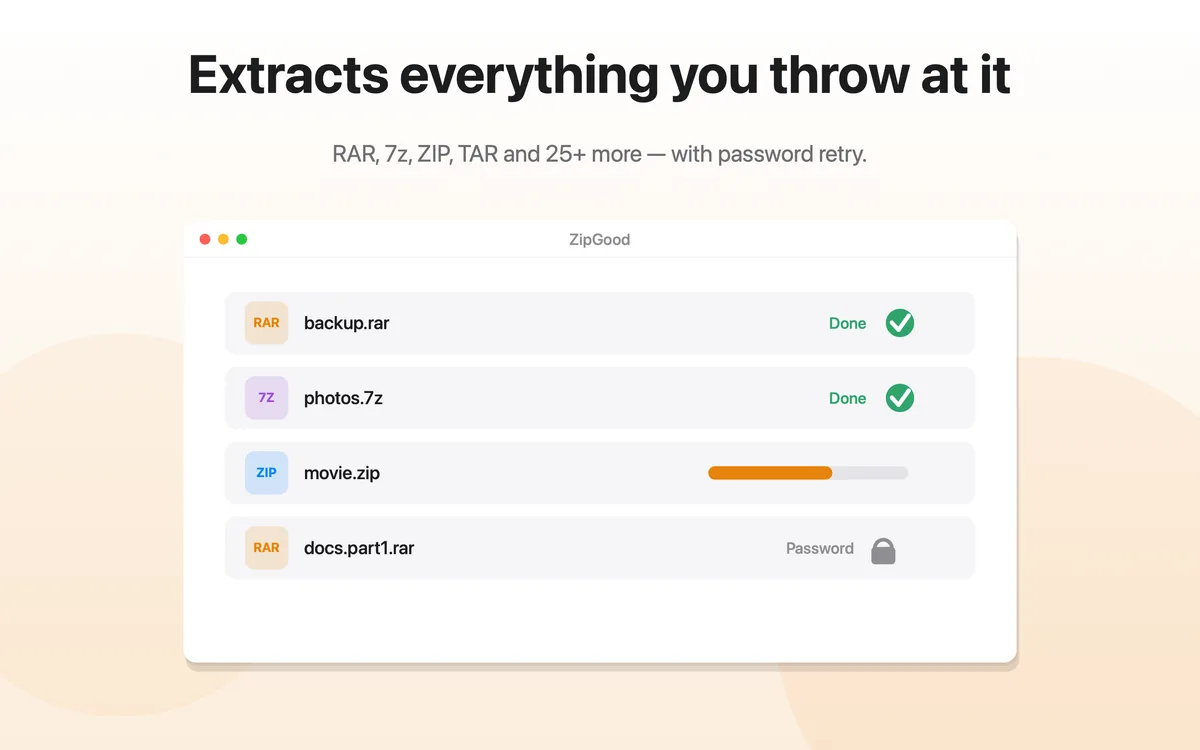
- Split archives — ZipGood can create split volumes for supported formats and joins split archives such as .7z.001, .z01 and .part1.rar automatically when extracting.
- Passwords — ZipGood stores passwords in the macOS Keychain and can try a password book and a default password silently before prompting.
- System requirements — ZipGood requires macOS 13 Ventura or later and runs natively on both Apple Silicon and Intel Macs.
Key features
Compress Files on Mac
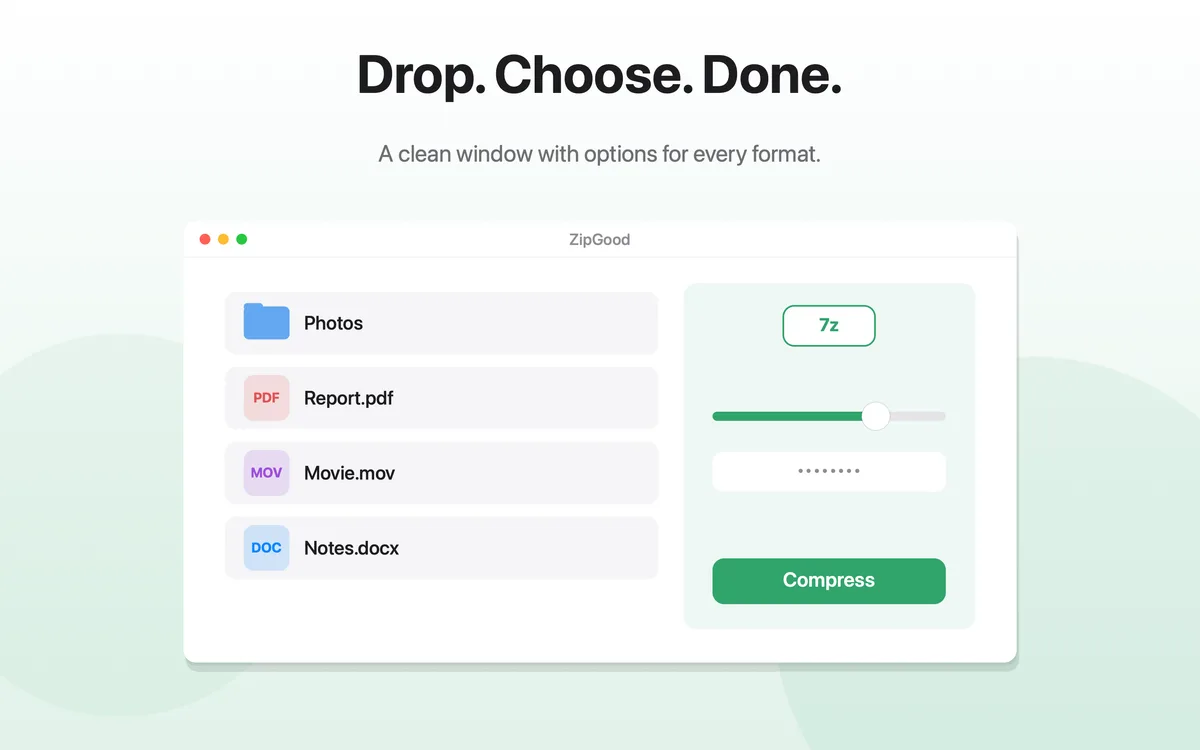
Create archives in 14 output formats with per-format options.
Extract Any Archive
Open RAR, 7z, ZIP, TAR and 25+ more archive formats.
AES-256 Encryption
Protect supported archives with AES-256 encryption.
macOS Finder Context Menu
Compress, encrypt and extract from the Finder right-click menu.
Split Archives
Create split volumes and join split archives automatically.
Password Management
A password book and default password, stored in the macOS Keychain.
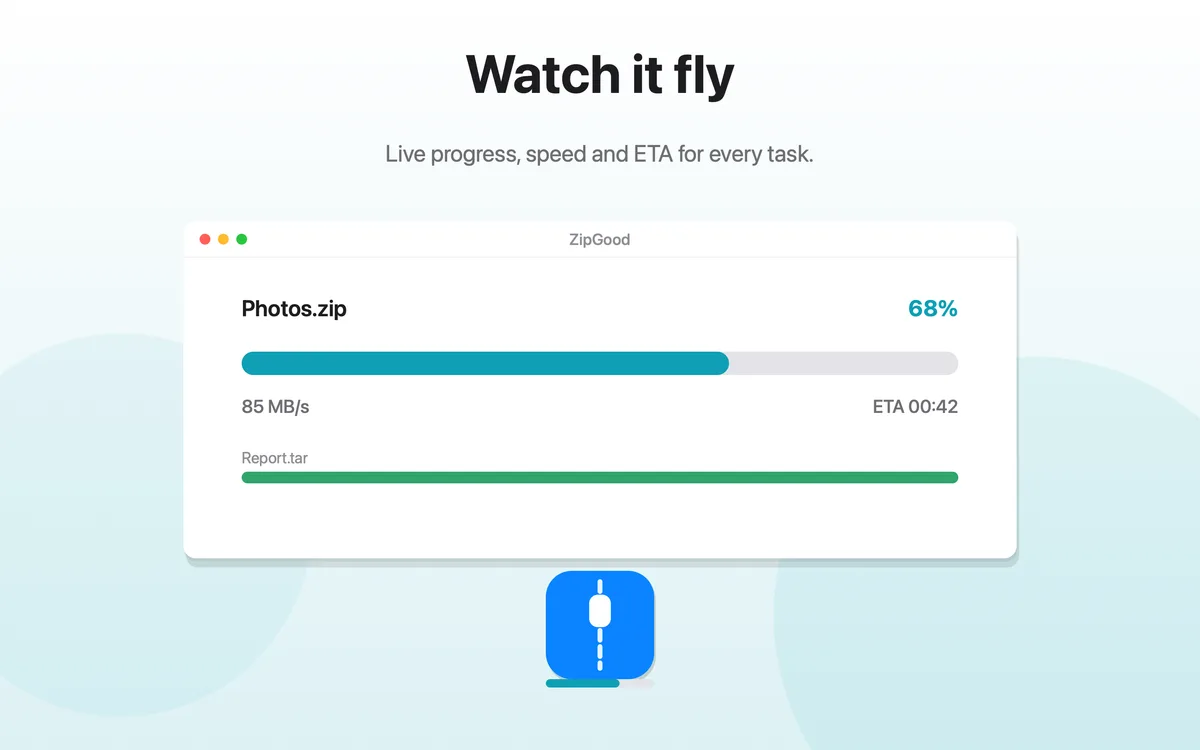
Progress, Speed and ETA
Live progress, speed and ETA for every task, in the window and on the Dock.
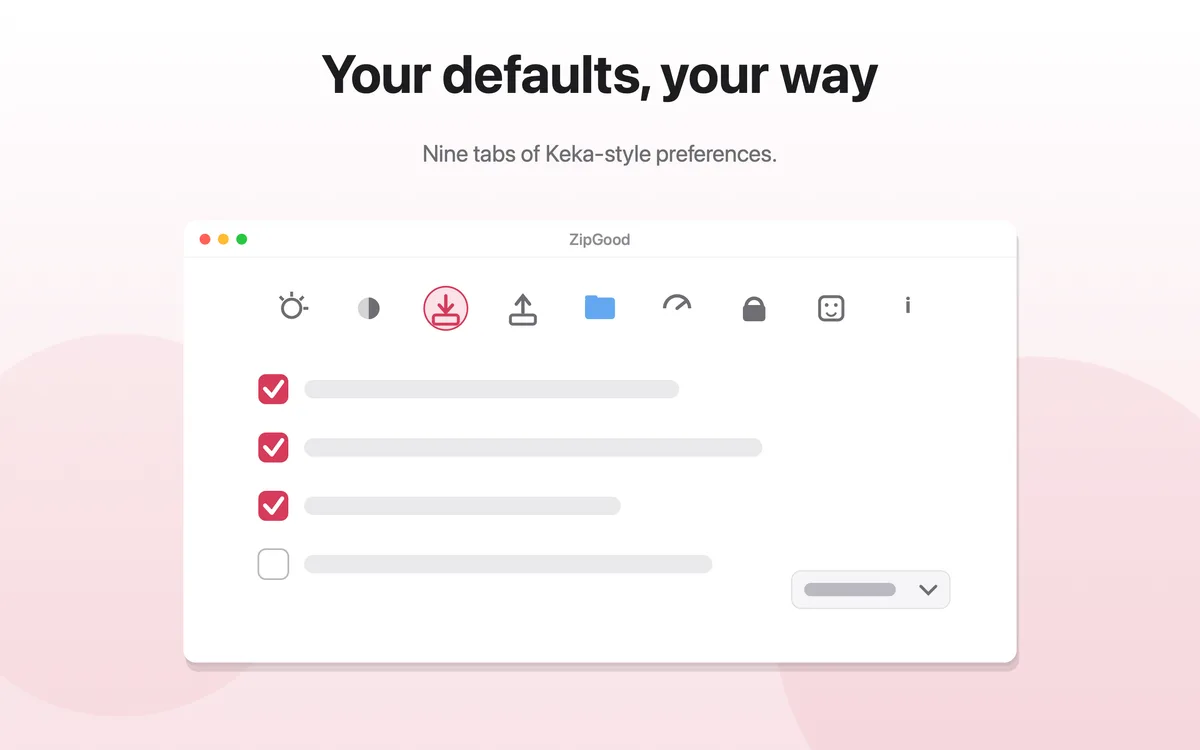
Per-Format Options
Every format keeps its own options, remembered between sessions.
ZipGood format capability matrix
Capabilities reflect the current version of ZipGood as documented in the official product description and Support documentation. A dash (—) means the capability is not documented for that format, not that it is planned.
| Format | Create | Open | Extract | Encrypt | Split |
|---|---|---|---|---|---|
| 7z | ✓ | ✓ | ✓ | ✓ | ✓ |
| ZIP | ✓ | ✓ | ✓ | ✓ | ✓ |
| RAR | — | ✓ | ✓ | — | — |
| TAR | ✓ | ✓ | ✓ | — | — |
| GZIP | ✓ | ✓ | ✓ | — | — |
| BZIP2 | ✓ | ✓ | ✓ | — | — |
| XZ | ✓ | ✓ | ✓ | — | — |
| LZIP | ✓ | ✓ | ✓ | — | — |
| Brotli | ✓ | ✓ | ✓ | — | — |
| Zstandard | ✓ | ✓ | ✓ | — | — |
| LRZIP | ✓ | ✓ | ✓ | — | — |
| LZMA | — | ✓ | ✓ | — | — |
| LZ4 | — | ✓ | ✓ | — | — |
| WIM | ✓ | ✓ | ✓ | — | — |
| AAR | ✓ | ✓ | ✓ | — | — |
| DMG | ✓ | ✓ | ✓ | ✓ | — |
| ISO | ✓ | ✓ | ✓ | — | — |
| CAB | — | ✓ | ✓ | — | — |
Who ZipGood is for
| If you are… | ZipGood helps because… |
|---|---|
| Anyone who receives RAR or 7z files | macOS cannot open RAR or 7z on its own. ZipGood can. |
| People sending large files | Create ZIP or 7z archives, encrypt them, and split them into volumes that fit an attachment limit. |
| Anyone protecting sensitive files | AES-256 encryption for 7z and ZIP, plus encrypted DMG disk images. |
| Developers and server users | TAR, GZIP, BZIP2, XZ, LZIP, Zstandard, Brotli and LRZIP, created and extracted natively on a Mac. |
| Privacy-conscious users | Local processing, no analytics, no tracking, no network access, passwords in the macOS Keychain. |
Screenshots
ZipGood product facts
| Product | ZipGood: Archive Utility |
|---|---|
| Platform | macOS |
| Minimum macOS | macOS 13.0 |
| Architectures | Apple Silicon and Intel |
| Category | Utilities |
| Distribution | Mac App Store |
| Price | $3.99 (one-time purchase) |
| Compression formats | 14 output formats |
| Extraction formats | 25+ formats |
| Encryption | AES-256 for 7z and ZIP; encrypted DMG |
| Finder integration | Yes — macOS Finder context menu |
| Split archives | Create split volumes; join split archives |
| Password storage | macOS Keychain |
| Network access | None |
| Analytics | None |
| Tracking | None |
Download
ZipGood: Archive Utility is available on the Mac App Store for $3.99. It is a one-time purchase with no subscription, and requires macOS 13 Ventura or later.