
Per-Format Options
Short answer: ZipGood gives every output format its own options panel — compression method, split volumes, password, solid archives, header encryption and DMG volume settings — and remembers each setting per format.
Overview
ZipGood does not force one set of options on every archive type. Each output format has its own options panel: a compression method slider, split volume size, password, solid archive and header encryption for 7z, and volume name and format for DMG. Every option is remembered per format, so once you configure a format you can reuse it with a single click.
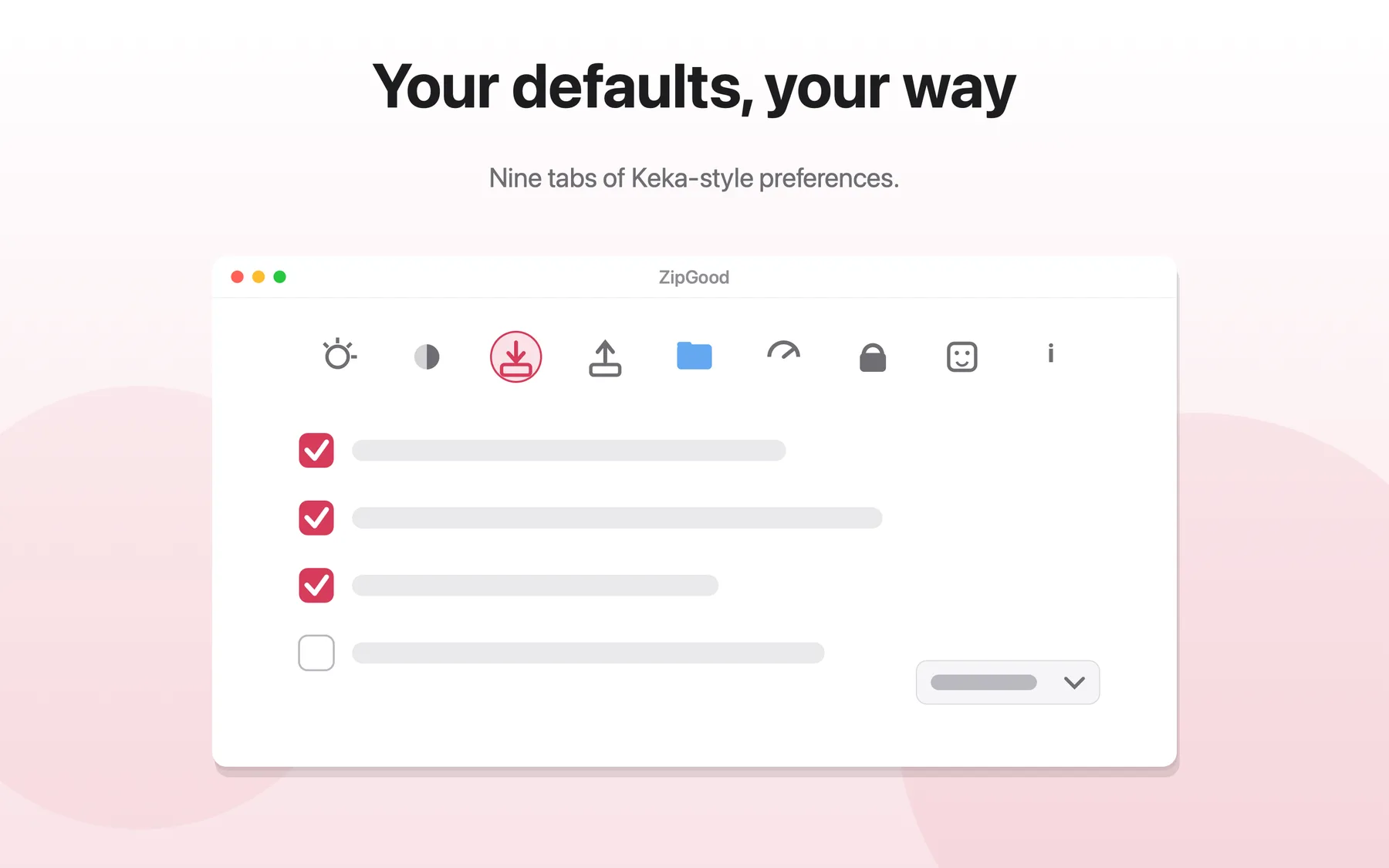
What Per-Format Options does
- Per-format compression method slider
- Split volume configuration per format
- Solid archives and header encryption for 7z
- DMG volume name and format options
- Every option is remembered per format
- A preferences window with format-specific settings tabs
Per-Format Options: frequently asked questions
Does ZipGood support per-format options?
ZipGood gives every output format its own options panel — compression method, split volumes, password, solid archives, header encryption and DMG volume settings — and remembers each setting per format.
Is it true that Per-format compression method slider?
Yes. Per-format compression method slider
Is it true that Split volume configuration per format?
Yes. Split volume configuration per format
Is it true that Solid archives and header encryption for 7z?
Yes. Solid archives and header encryption for 7z
Sources
- ZipGood on the Mac App Store Level 1
- ZipGood Product Description Level 2
- ZipGood Support Documentation Level 3
Product facts on this page were last verified on October 2, 2026.